RF Converter v3.0 WIFI To Remote
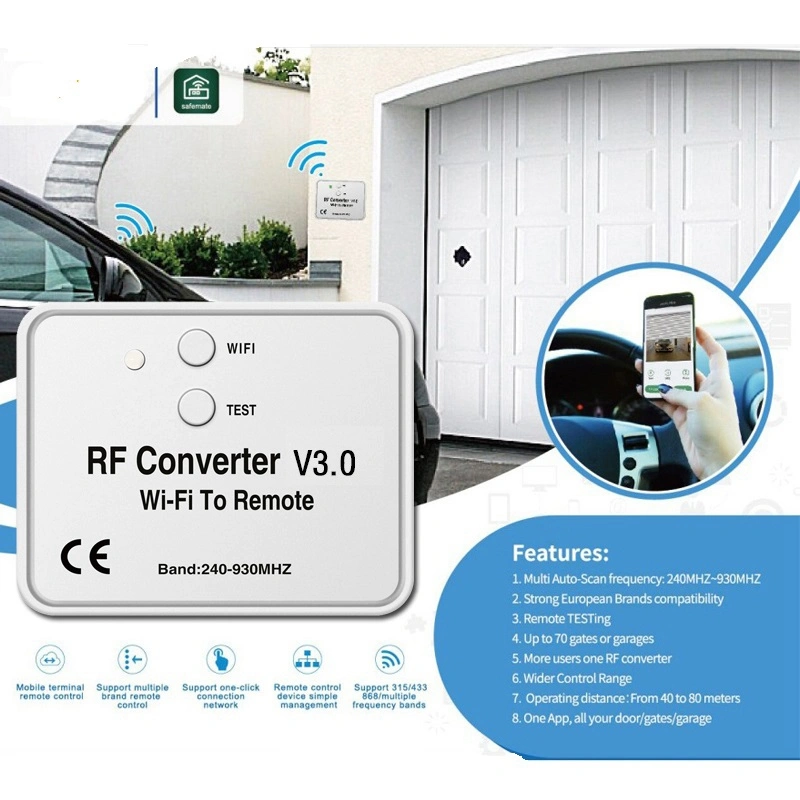
RF Converter v3.0 WIFI To Remote
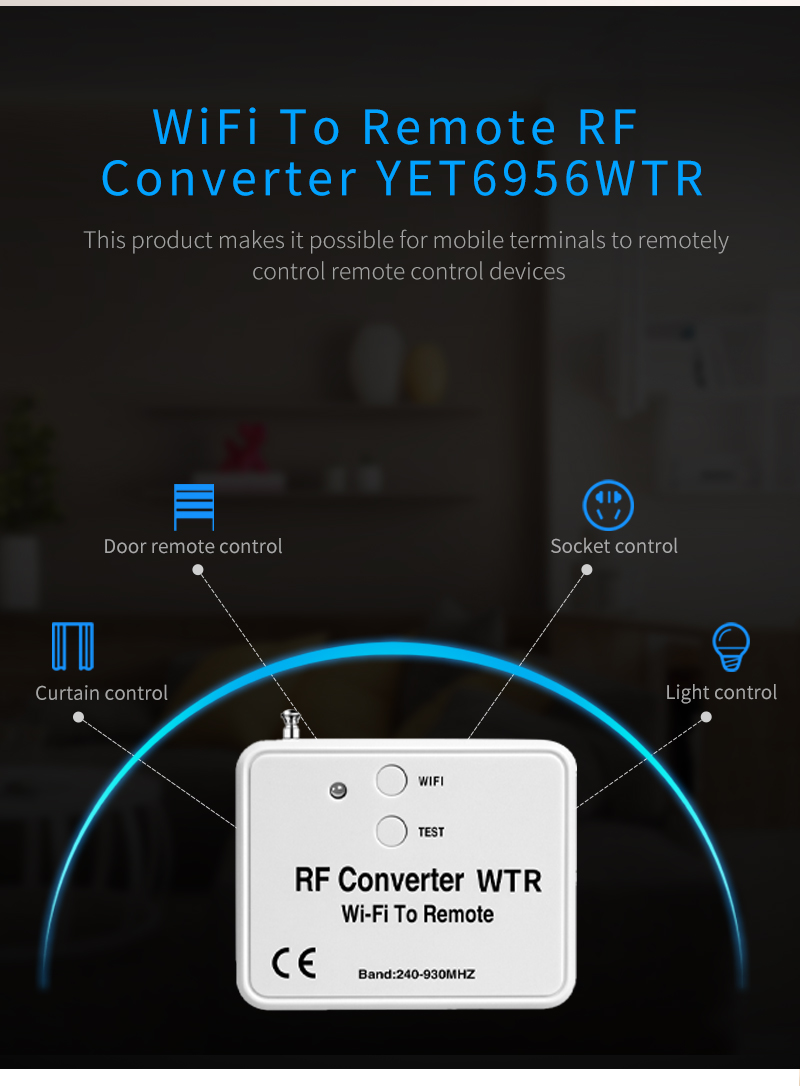
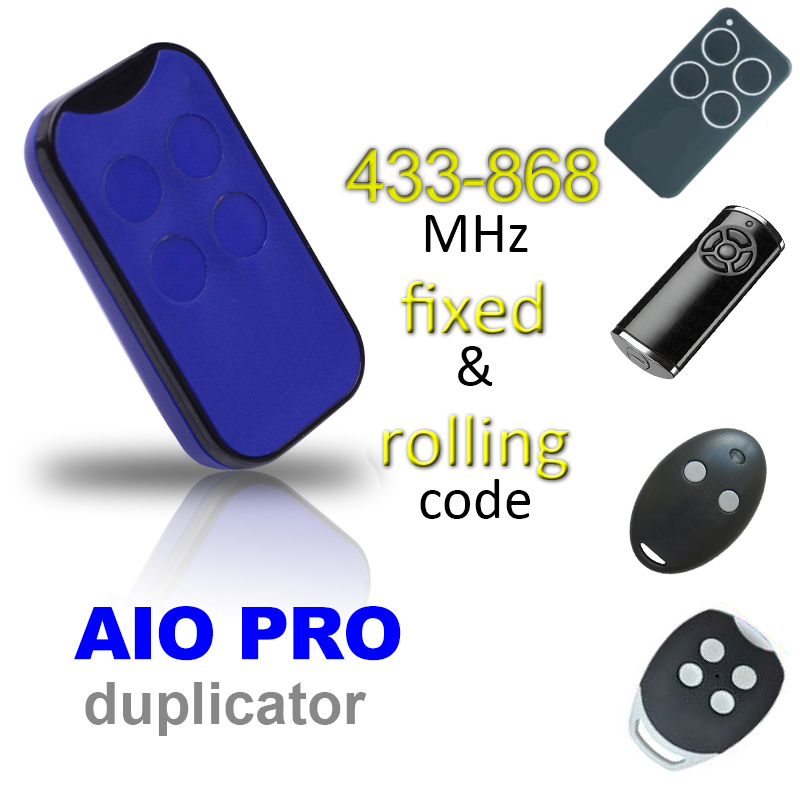
1.The device supports copy universal fixed code and learning code to generate remote control.
2.Support SUB-1G multi-frequency(240MHZ~930MHZ), With antenna.
3.Support one-button identification: whether the customer’s remote control frequency and code type,products support.
4.Remote control: The mobile terminal can remotely control the remote control device.
5.Support one-click connection network.
6.Remote management is simple: One converter device can match various controllers with different brands, and the APP can delete and rename different brands of remote controllers.
7.Support for power-off memory function.product operation and instructions
Light touch button funcction:
1.Connect Internet function: short press the touch keys WIFI three times into the net; with APP users operate to complete network access.
2.Remote control test function: Short press the touch button TEST. When the RF convertor rings one time,long press any button on the remote control and close to the RF converter until the RF converter rings thress times,indication that the device supports the remote control addition. If the RF converter makes a long beep, it means that the device does not support the remote controller.
3.Power on status: Red light keep on.
4.Network access status: Green light flashes .
5.Normal working status: The green light is always on when the APP button is pressed, and the red light is always on when the APP button is released.
6.Restore factory configuration /delete device: Green light flashes.
App operation:
Download app and register the phone number, App name ‘’Safemate’’, add the device on it to control the door/gate.
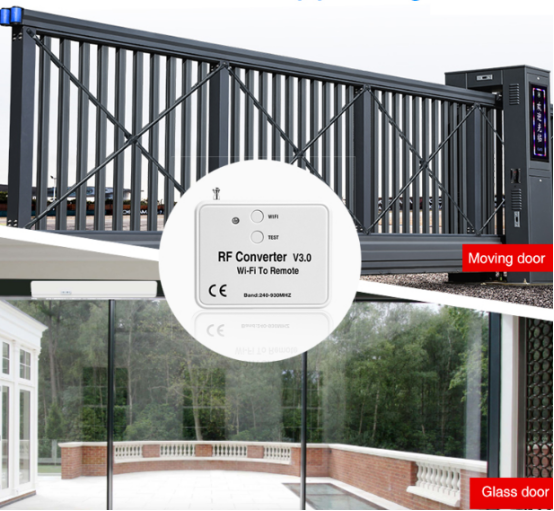
Long-distance Universal Controller YET894PC
Why are microwave sensors widely used in glass doors?
Related Article