YET863WTR Tuya APP tubular motor WiFi controller for Rolling shutter
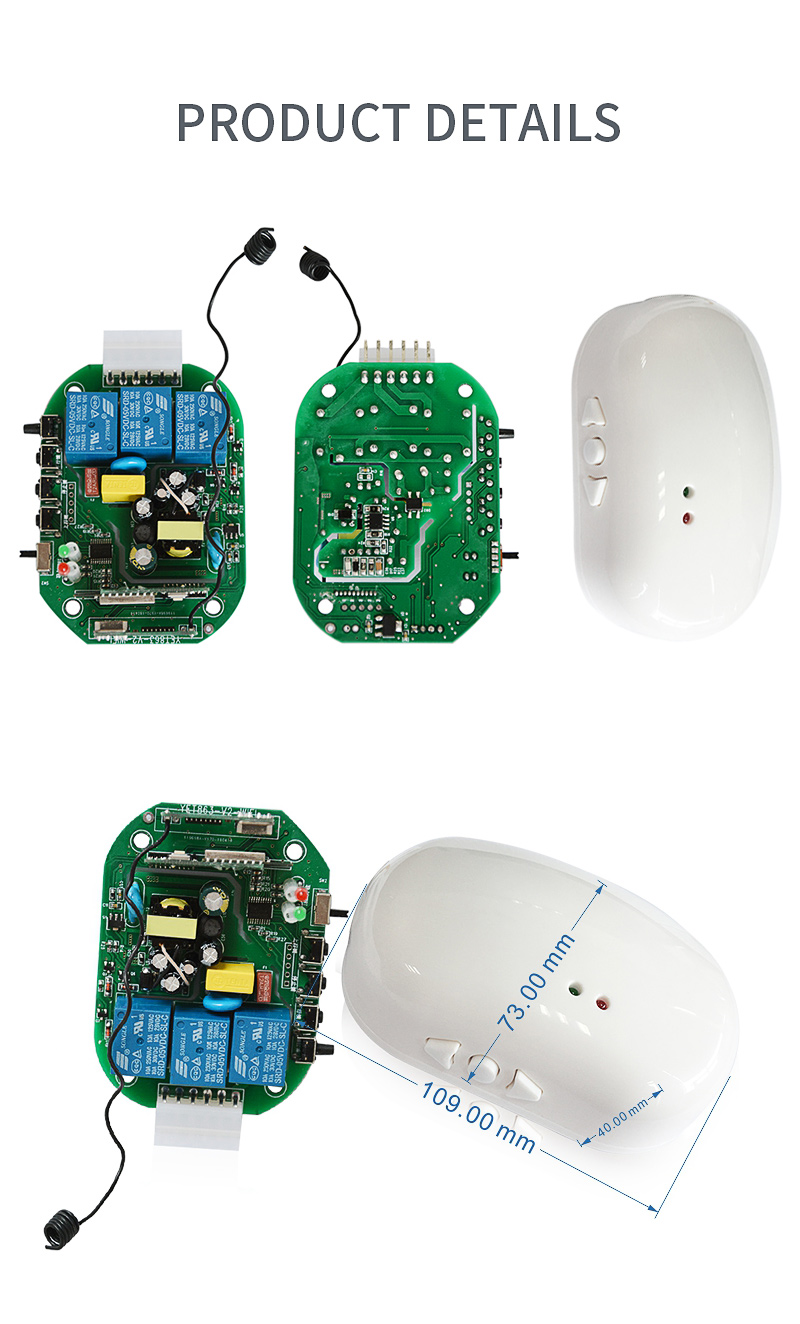
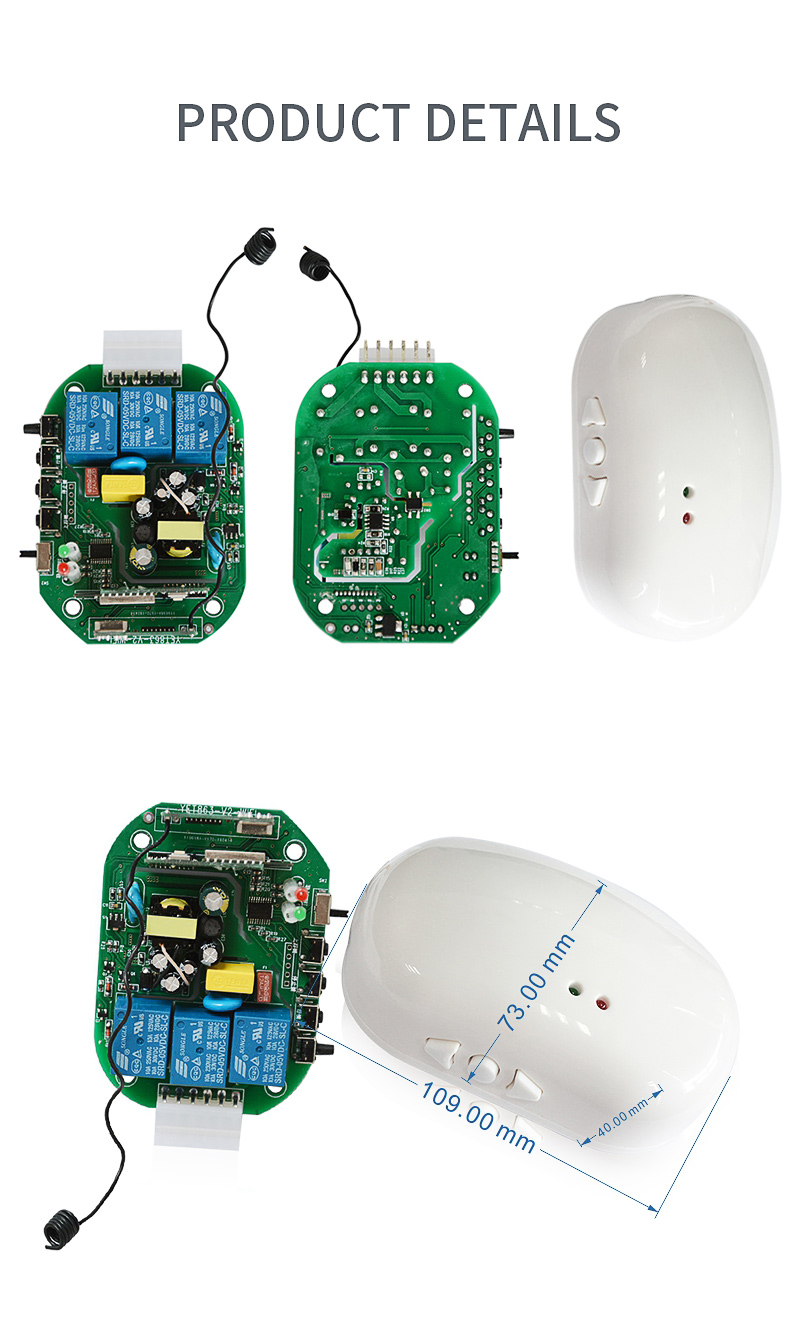
YET863WTR tubular motor WiFi controller can support both RF 433.92Mhz and Tuya WIFI 2.4G.
Its working voltage is 100VAC-240VAC.The contact current is≤NO/NC:10A @250VAC.Encoding type is learning code 1527,and each controller can store 50 pieces remote control keys.
There are 2 ways to register remote control, power ON/OFF and learning button.The supported Motor type is AC motor 100VAC/220VAC.Supporting Motor power is ≤800W @220VAC.Its Receive sensitivity is ≤-110dBm.The distance in open area is>80M.It can work well under the Working Temperature: -10℃ to +60℃.
Function introduction:Register and Deleting Remote control,
Register/Add remote:
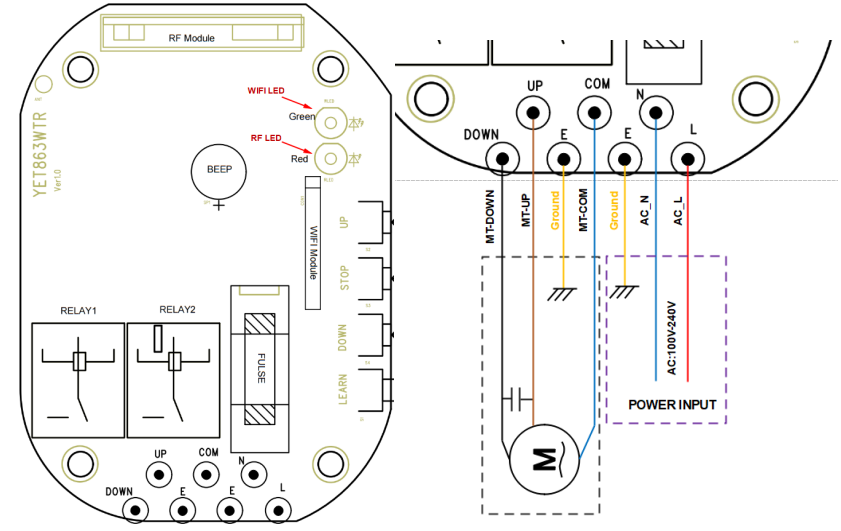
- Press the UP & STOP button more than 1 second at the same time when power ON, you will hear beep-beep-beep sound and the red LED will flash simultaneous, it means register the remote control success.
- Short press the learning button on the controller, RED LED will on then off, now enter into the learning mode; press any button on the remote control, you will hear beep-beep-beep sound and the red LED will flash simultaneous, it means register the remote control success.
- Press the UP & DOWN button more than 1 second at the same time when power ON, you will hear beep-beep-beep sound and the red LED will flash simultaneous, it means deleting all the remote controls.
- Long press the learning code on the controller till RED LED Turns on then off, it means deleting all the remote controls.
(Note: if deleting all information success, all the stored information will be cleared, running time will be 240S and the motor direction will be same out of factory)
Remote control function:
When you press UP button, the curtain/shutter will open.
When you press DOWN button, the curtain/shutter will close.
When you Press STOP button, the controller will stop working.
Switch the motor direction
To press the UP+DOWN+STOP button more than 3 seconds of the registered remote control at the same time when power ON, you will hear beep-beep-beep sounds and the red LED will flash 3 times simultaneous, it means the motor working direction has changed.
Mobile internet connecting
Searching “TUYA” from your mobile App store and Download and Register,then fill in your basic information to login the Tuya App.
Connecting the WIFI:
By Power ON: When the power on, you should Press the STOP+DOWN button more than 3 seconds of the registered remote control within 3 seconds, you will hear beep-beep-beep sound and the red LED will flash 3times simultaneous, at this moment the device is searching WIFI.
By learning button: short press the learning button 3 times, green led flash quickly and at this moment is for searching WIFI.
Green LED quick flash sustainability and it means the device are ready for connect WIFI.
Click the“Add Device”or “+”on the APP page, you will see enter Wi-fi Information,Choose Wi-Fi and enter password:Write down the WIFI name ( SSID) and put the password, click “Next”, you will find the device.Click “Add”, now is connecting.
Okay,above are some information for the YET863WTR Tuya APP wifi controller,if you are interested in this tubular motor controller,please feel free to get more details from us.
New Arrivals of 2 Channel WIFI Receiver -YET402WFR-MF(V3.0)
YET845 Rolling shutter door Controller RF version-V5.0
Related Article